
Made by 
Live Chat That Works
With AI & Your Team
SupportResponse Live Chat handles common questions automatically—your team
jumps in when needed to close deals and keep customers happy.
Trusted by 100+ brands including:






4.8 stars

4.7 stars

5 stars

4.8 stars

4.7 stars

What SupportResponse Can Do for Your Business
Automate
customer questions up to
0%

Reduce
response time up to
0%

Improve
team performance up to
0%

5 Reasons why Support Response is the Best Live Chat
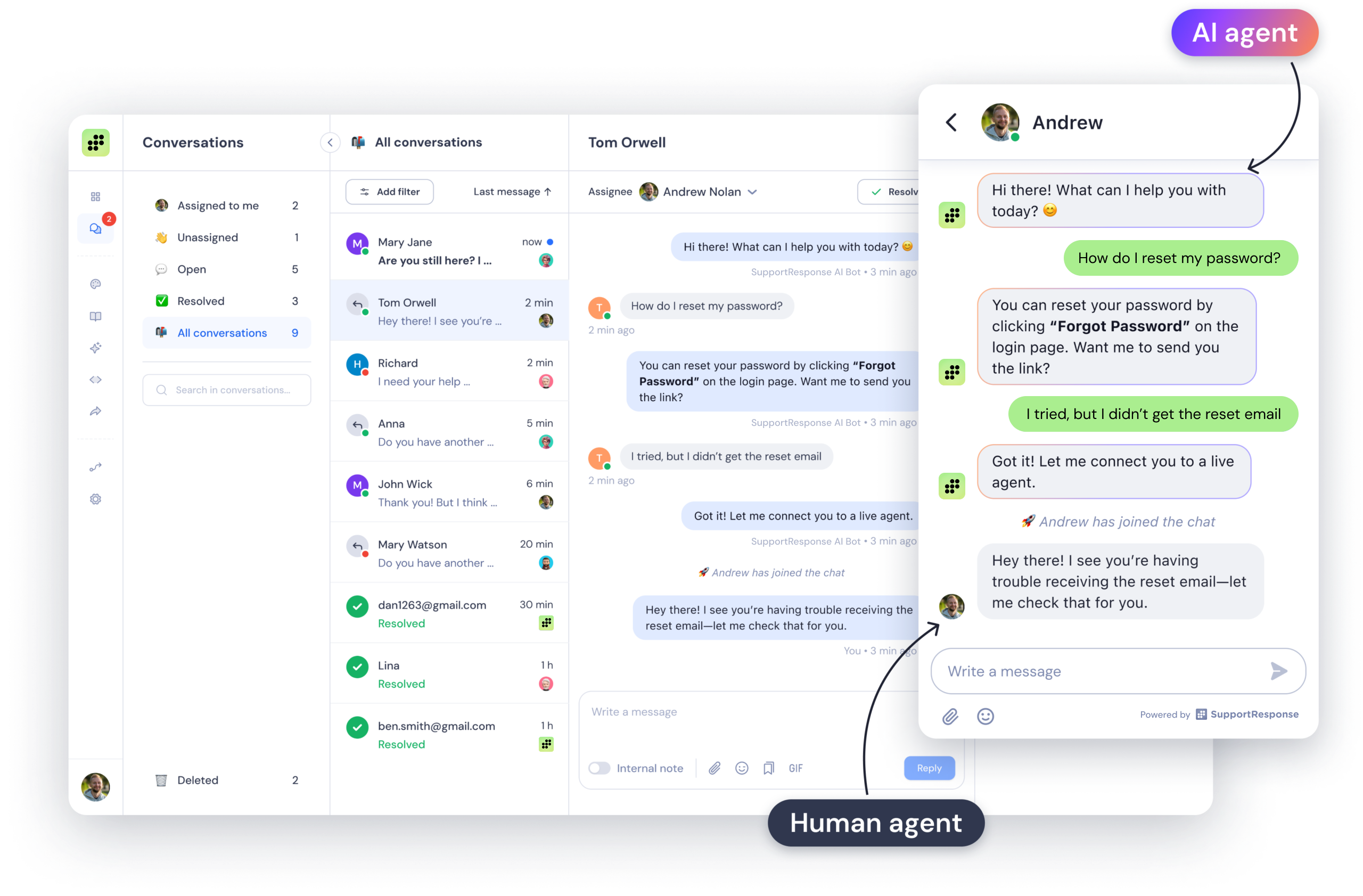
AI + Human Support Together
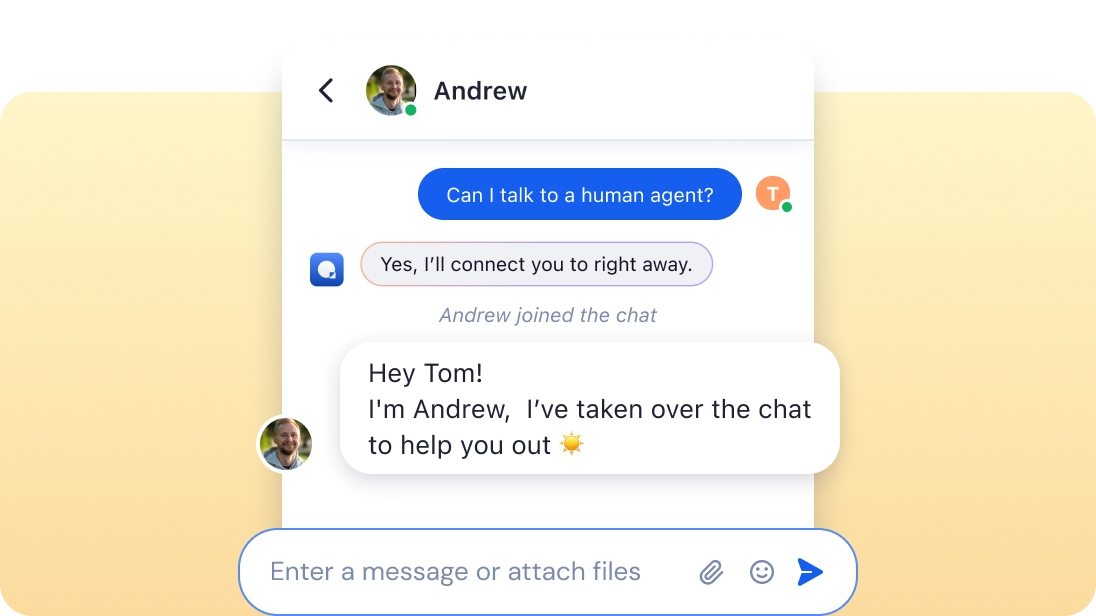
Al answers instantly. Humans step in when needed.
- Al handles simple questions and passes tough ones
to your agents. - See when visitors are online.
- Share files and images directly in the chat.
Fast replies
for Happy Customers
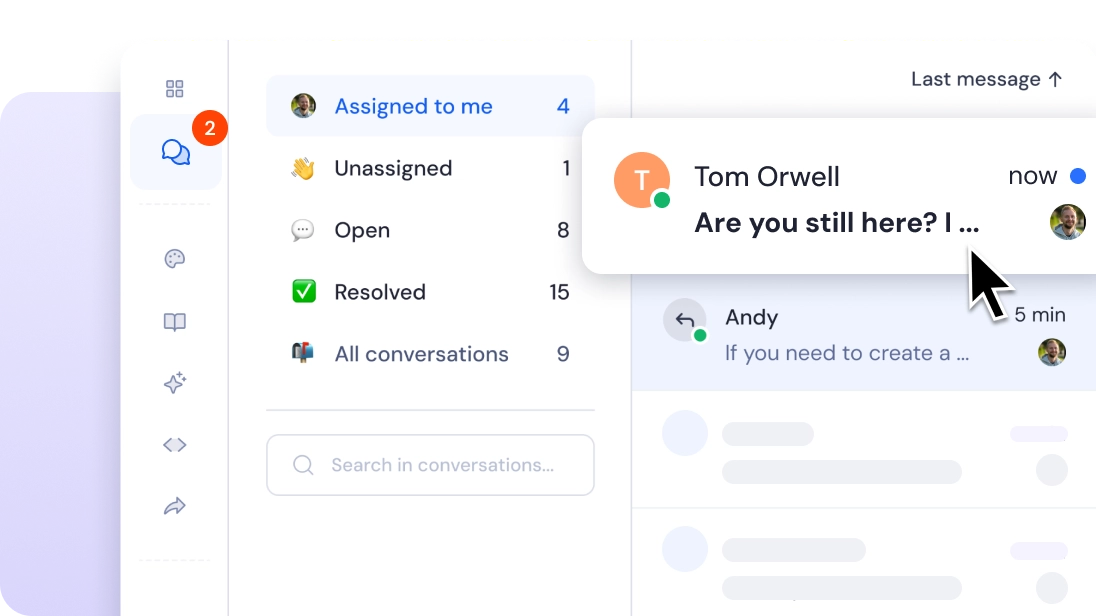
Quick responses keep your customers satisfied.
- Agents get alerts right away when a new message comes in.
- Answer the customers who have been waiting
the longest first. - View chat history for better answers.
Grow Your Business
with Live Chat
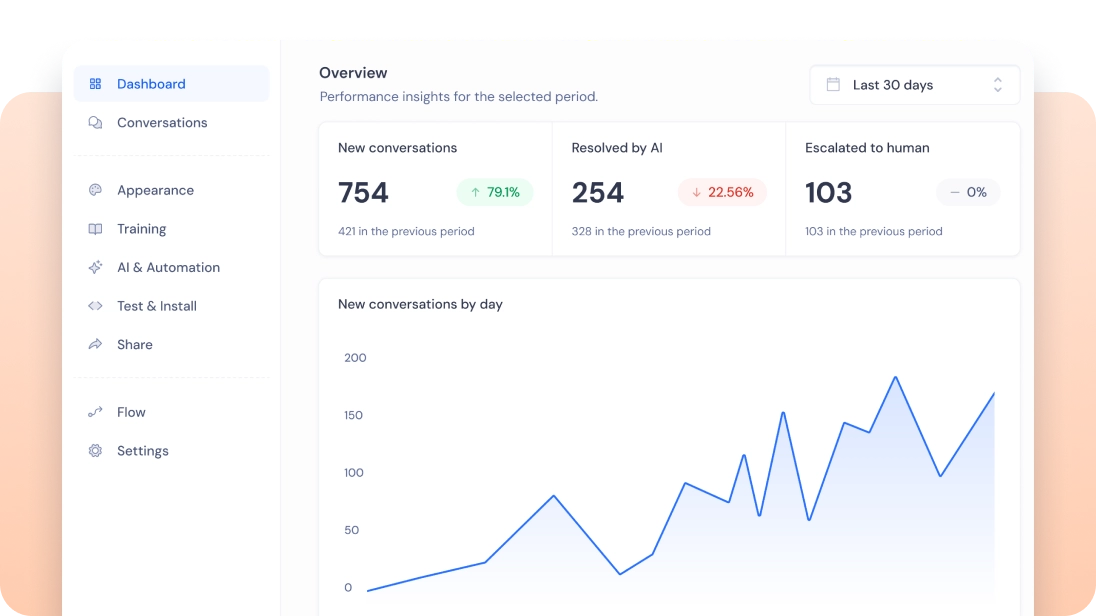
Turn every chat into a chance to grow.
- Talk to leads before they leave your site.
- Give personalized support with live chat.
- Al and humans work together to answer quickly.
Make Live Chat
Match Your Brand
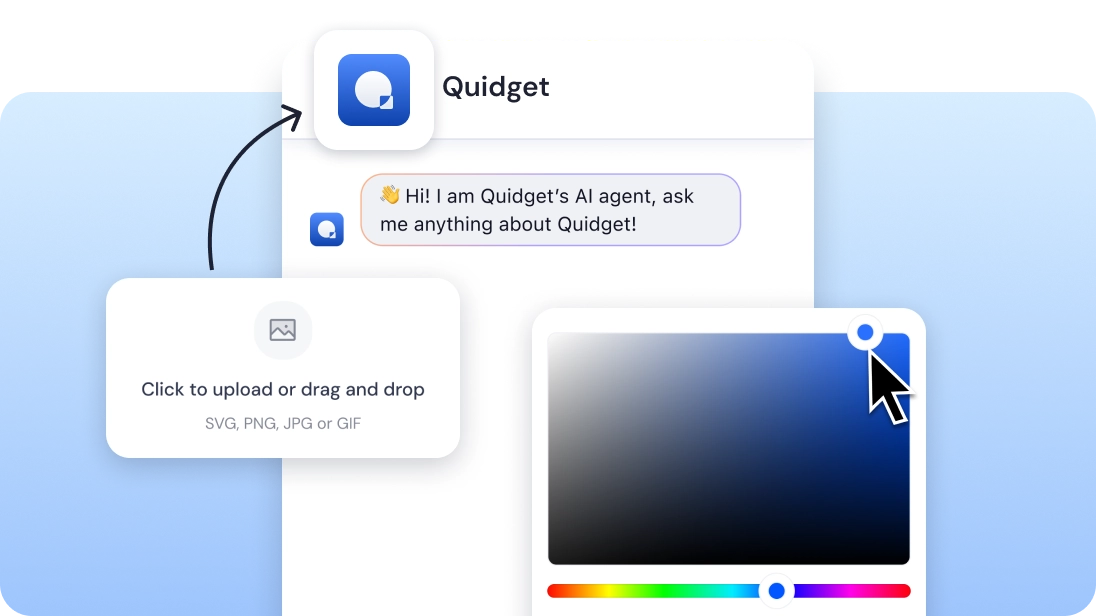
Customize the chat to fit your business look.
- Change colors, add your logo, and remove Support Response branding.
- No coding needed, get started in minutes.
- Customers can leave messages when no agents are available.
Connect
with Zendesk Easily
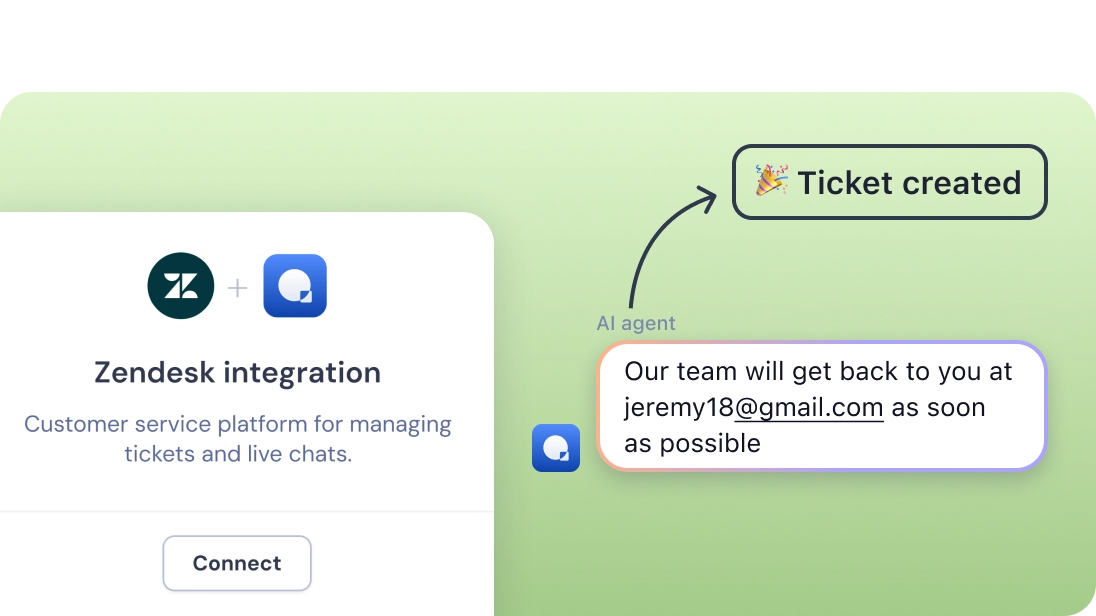
Keep all your chat info where your team already works.
- Link Support Response Live Chat with Zendesk.
- Auto-create tickets from live chat requests.
- Track how your chats are doing with easy reports.
Still got questions?
Lets Talk!
Book a demo call with our team and see how Support Response can work for your business.



Backed by 15 Years of Customer Experience Excellence
SupportResponse is powered by SupportYourApp, a trusted leader in customer service for over 15 years, serving 250+ companies globally. With multiple awards, including the 2024 Excellence in Customer Service Award, SupportResponse is built by experts who truly understand customer needs.
120 seconds set up.
We’ll personally guide you through the setup process,
integrate SupportResponse with your workflows, and tailor it to your business needs.
Frequently Asked Questions
Setting up SupportResponse takes about 90 seconds. If you want to personalize your chat widget and add a branded avatar, the entire process should take around five minutes.
Yes! You can change colors, add your logo, and remove SupportResponse branding to fit your style.
Our AI answers common questions right away and sends more complex ones to your team.
It doesn't guess or make things up. If SupportResponse isn't confident in an answer, it passes the conversation to your team with the full chat history. Your customer never hits a dead end — they get a real person who already knows what was discussed.
Yes. SupportResponse only answers based on the content you provide — your website, docs, and FAQs. It won't go off-topic or invent information. You can also set custom instructions to guide its tone and behavior.
When no one is available, our AI keeps helping customers and lets them leave messages.
No. SupportResponse is lightweight and loads asynchronously, meaning it won’t slow down your website. You won’t notice any impact on your site’s performance.
SupportResponse works with Zendesk to keep all your chats and support tickets in one place.
When SupportResponse needs help, it routes the conversation to a live agent through your helpdesk (Zendesk, Freshdesk), email, or SupportResponse's built-in live chat. Your team gets the full thread, so the customer doesn't have to repeat themselves. No forwarding, no lost messages.
SupportResponse handles the repetitive questions your team answers every day — product details, pricing, how-to guides, shipping, account setup, and troubleshooting. It's built for the "how do I…?" and "where is my…?" queries that make up 80% of support volume. For anything more complex, it hands the customer to your team automatically.