
AI Assistant for
Automate answers
to internal FAQs inside Slack
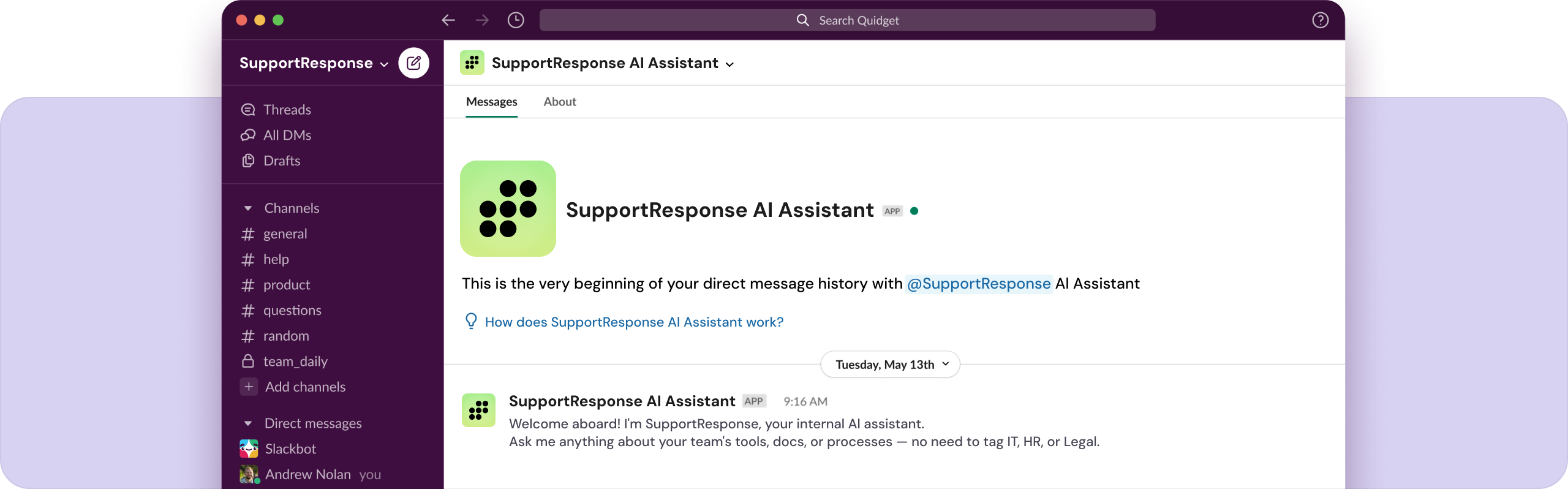
SupportResponse is an Internal AI assistant for workplace questions.
Trained on your internal docs, SOPs & wikis — and connected to Slack
for instant answers without tagging IT, HR, or Legal.
Trusted by 100+ brands including:






What SupportResponse’s Internal AI Assistant Does for You
Answers
up to 80% of internal questions

Reduces
onboarding time
for new hires
for new hires

Cuts down
pings & “where’s that doc?” messages

* Built for fast-moving teams tired of answering the same things twice


Backed by 15+ years of support expertise
SupportResponse is built by SupportYourApp, — a trusted customer service partner for
250+ companies over the past 15 years. We meet the highest security
standards to keep your business and your customer data safe.
Your data stays in your control End-to-end encrypted answers Fully GDPR, ISO & PCI compliant


5 Reasons to Use Support Response Inside Your Team
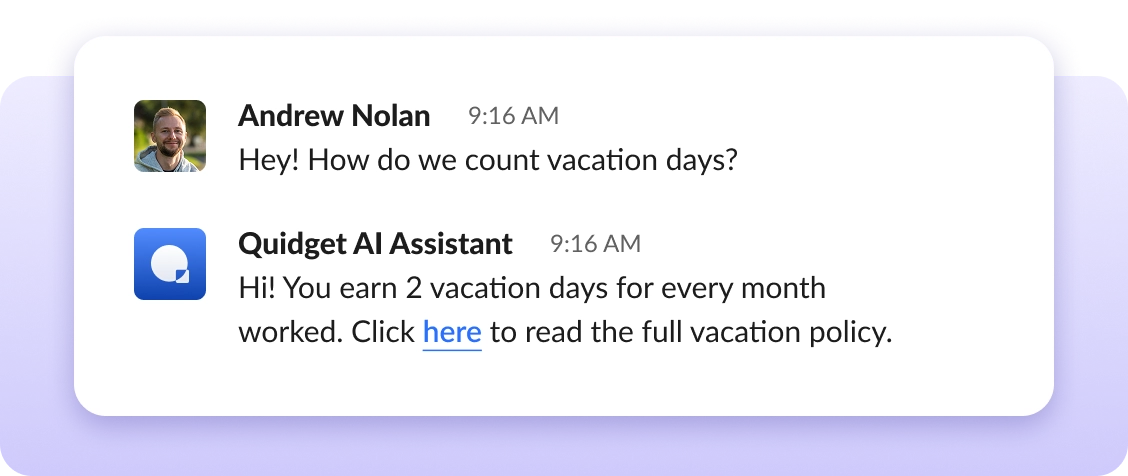
Autopilot for #help & #questions
channels
Connect it to your Slack Q&A channels → teammates get answers without tagging people.
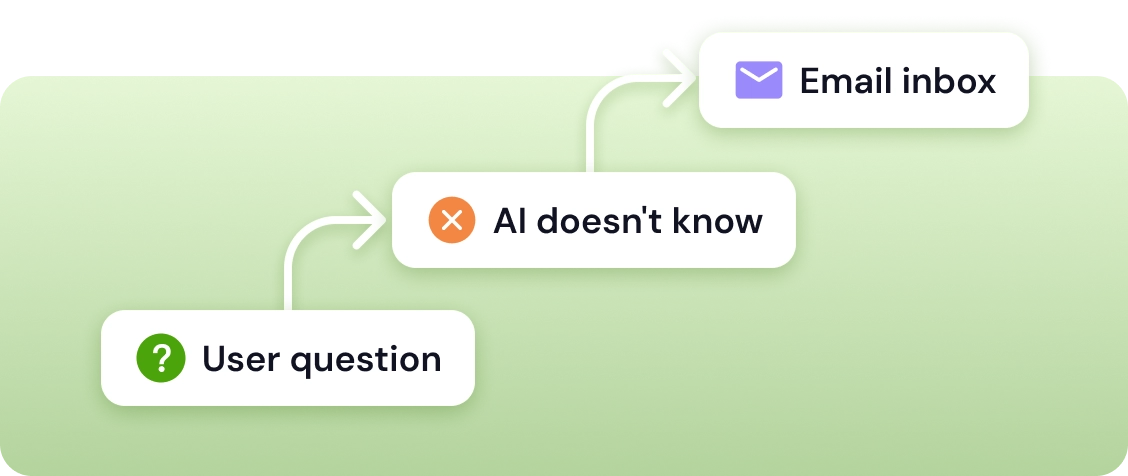
Sends unanswered questions to
the right team
If it doesn’t know, it won’t fake it. Support Response flags the message and forwards it to the right person or department by email.
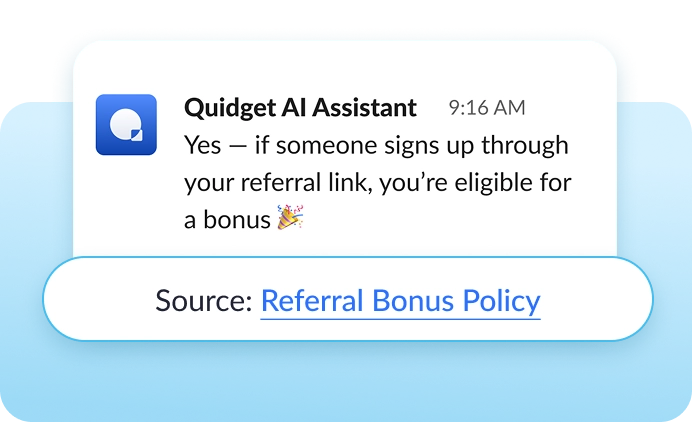
Gives sources with
every answer
No black box. Every reply includes references → so people can dig deeper or verify.
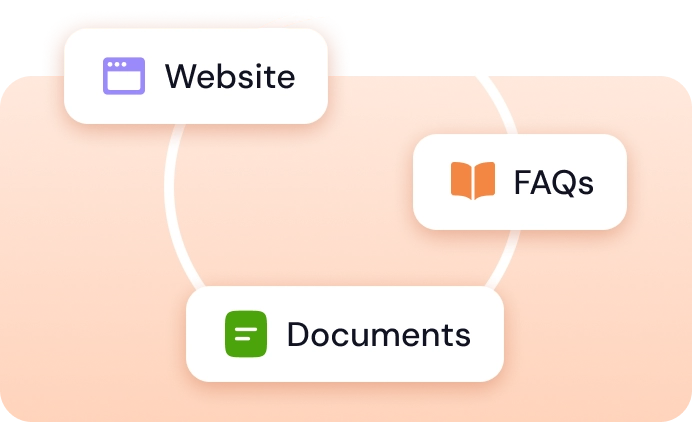
Trained on your
content
Wikis, Website, SOPs, policy docs, past Slack convos, even PDFs — it learns from all of it.
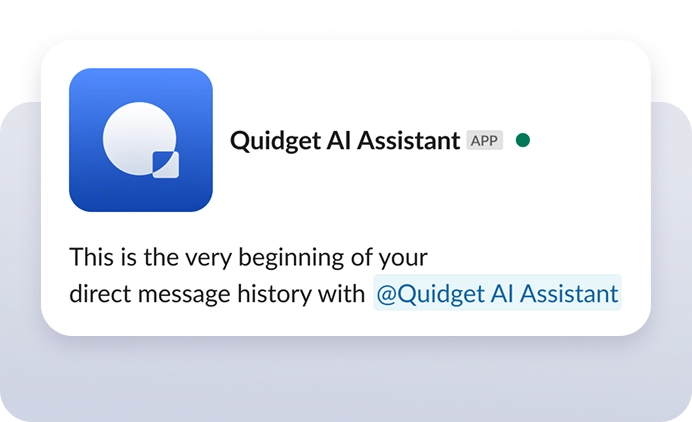
Private Slack DMs
for sensitive asks
Ask things like “How much PTO do I have?” or “Where’s the contractor agreement?” — without broadcasting it.
Ready to stop repeating
yourself in 
 ?
Let your Internal AI Assistant do the answering for you.
Frequently Asked Questions
It’s an AI Slackbot trained on your internal docs. It answers HR, IT, and company-specific questions instantly — no need to tag teammates.
Yes. It runs inside your Slack, and you can ask it things in public channels or private DMs. We use openAI as our LLM models.
It doesn't guess or make things up. If SupportResponse isn't confident in an answer, it passes the conversation to your team with the full chat history. Your customer never hits a dead end — they get a real person who already knows what was discussed.
Yes. SupportResponse only answers based on the content you provide — your website, docs, and FAQs. It won't go off-topic or invent information. You can also set custom instructions to guide its tone and behavior.
Confluence, Notion, Google Docs, Slack history, PDFs, custom uploads — whatever your team uses. If you can share a public URL or export it as a file, SupportResponse will train on it.
Nope. It’s fully no-code. Upload or connect your docs and start using it in minutes.
When SupportResponse needs help, it routes the conversation to a live agent through your helpdesk (Zendesk, Freshdesk), email, or SupportResponse's built-in live chat. Your team gets the full thread, so the customer doesn't have to repeat themselves. No forwarding, no lost messages.
SupportResponse handles the repetitive questions your team answers every day — product details, pricing, how-to guides, shipping, account setup, and troubleshooting. It's built for the "how do I…?" and "where is my…?" queries that make up 80% of support volume. For anything more complex, it hands the customer to your team automatically.